App Suite UI (latest)
All versions
Imprint
All versions
Imprint
  • Feature Catalog
    • General
      • Getting around
      • Search and notifications
      • Settings and appearance
      • Signing in
      • Account and security
      • Onboarding and devices
      • Working with content
      • Sharing and delegation
      • Storage, plans and feedback
      • Progressive Web App
      • Feedback
      • Upsell
      • Triggers
    • Mail
      • Reading and organizing
      • Attachments
      • Writing and sending
      • Security and trust
      • Accounts and automation
      • Signatures and templates
      • Working with the other apps
      • BIMI
    • Calendar
      • Seeing your day
      • Appointments
      • People and invitations
      • Calendars and subscriptions
      • Rooms and resources
      • Video meetings
      • Search, print and transfer
    • Address Book
      • Contacts
      • Address books
      • Finding people
      • Lists and the other apps
    • Tasks
      • Tasks
      • Task lists and delegation
      • Working with the other apps
    • Drive
      • Working with files
      • Finding and arranging
      • Sharing
      • Storages and capacity
      • Working with the other apps
      • OpenCloud Drive Integration
    • Portal
    • Enterprise and Provider Edition
    • Compliance

      • Accessibility
      • Accessibility Conformance Report
      • Data protection
  • Upgrade Guide
    • Everything new since 7.10.6
    • From 7.10.6 to 8.35
    • From 8.35 to 8.47
    • From 8.47 to 8.55
    • Breaking changes and requirements
  • Deployment Guide

    • Configuration
    • Settings list
    • Login page
    • What's New dialog
    • Mail assets
    • Mail rendering and security
    • All messages folder
    • Unseen messages folder
    • Theming
    • Authentication
    • Browser support
  • Customize & Extend
    • Manifests
    • Toolbars and menus
    • Portal widget
    • Sign In
    • Internationalization
  • Architecture
    • Core UI service

Mail

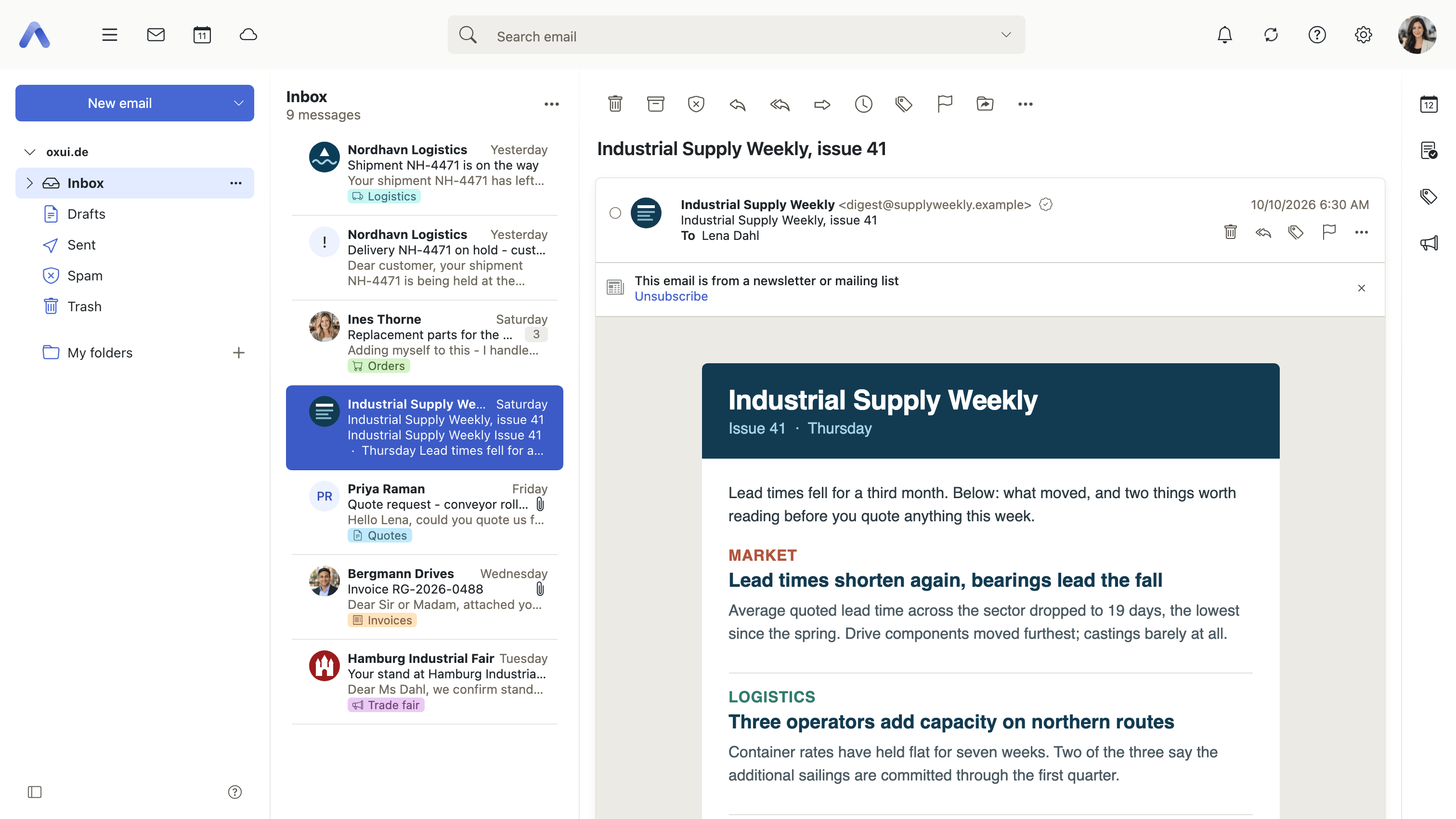
The email client. Requires the webmail capability.
Pages

PageWhat it covers
Reading and organizingLayout, conversation view, search, flags, categories, archive, smart folders, snooze and print
AttachmentsDownloading and saving attachments, importing invitations and contacts, e-invoices and Drive Mail
Writing and sendingThe compose editor, drafts, sender selection, send checks, scheduled send and undo send
Security and trustSender authentication, remote content, verified brand logos, spam and unsubscribe
Accounts and automationExternal and shared accounts, send on behalf, filter rules, vacation notice and auto-forward
Signatures and templatesPersonal and administrator-provided signatures, the Signature Designer and text templates
Working with the other appsCreating appointments, tasks and distribution lists from a message, and dragging mail out
BIMIOperator setup: verified sender logos from DNS, including VMC and CMC indicators

Operator configuration elsewhere

Four Mail topics are configured rather than used, so they live in the Deployment Guide: Mail assets for administrator-provided signatures, templates and designs; Mail rendering for the message sanitizer, content security policy and the privacy proxy; and the virtual All messages and Unseen messages folders, which are set up on the mail backend rather than in the UI.

Last Updated: 10/7/26, 2:41 PM
Prev
General
Next
Calendar